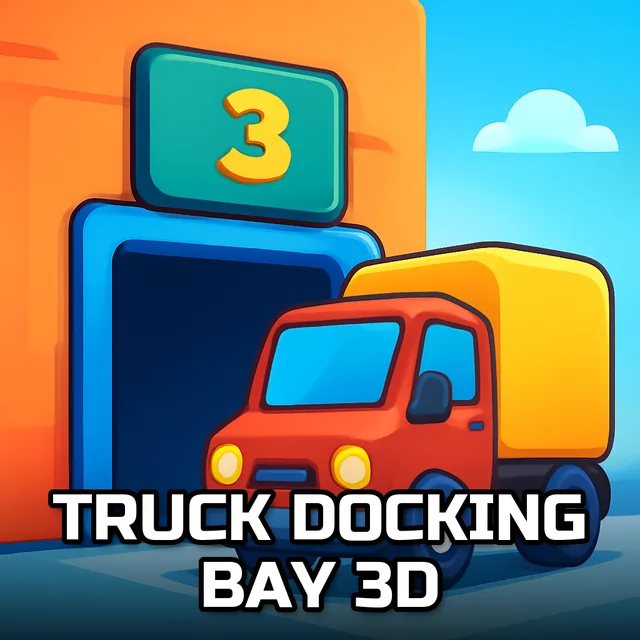
Truck Docking Bay 3D
Instructions:
KeyBoard ControlDescription
Truck Docking Bay 3D Competitive-Style Breakdown
Winning Strategies
- Approach your parking spot slowly, since these physics-based controls punish speed far more than a typical car parking game would.
- Use small steering corrections rather than full turns when lining up the trailer with the marked spot.
- Check every available camera angle before committing to a final approach.
- Reverse in short, controlled bursts instead of one long continuous motion.
- Restart a mission early if your angle looks clearly wrong rather than trying to salvage it.
- Watch the trailer's rear corners closely during a reverse maneuver, since they clip obstacles before the cab ever does.
How To Play
Everything runs through the keyboard, with dedicated keys for acceleration, steering, braking, and camera switching, all built around realistic physics rather than an arcade-simple parking system. That realism is really the whole selling point here; a truck of this size doesn't turn on a dime, and the game makes you feel every bit of that extra length and weight during a tight maneuver. Even a gentle nudge of the wheel translates into a wide, sweeping arc once the trailer gets involved.
The difficulty scales up steadily across its missions, starting with generously sized parking spots before narrowing things down to genuinely demanding docking bays that punish even small misjudgments. It's a fair curve overall, the kind where a failed attempt almost always teaches you something useful for the next try rather than feeling arbitrary or unfair. By the later docking bays, patience becomes the deciding factor far more than reflexes, and players who rush tend to rack up far more restarts than those willing to inch forward a bit at a time.